.svg)
.svg)
.svg)


.svg)
.svg)


.svg)

.svg)
.svg)


.svg)


.svg)


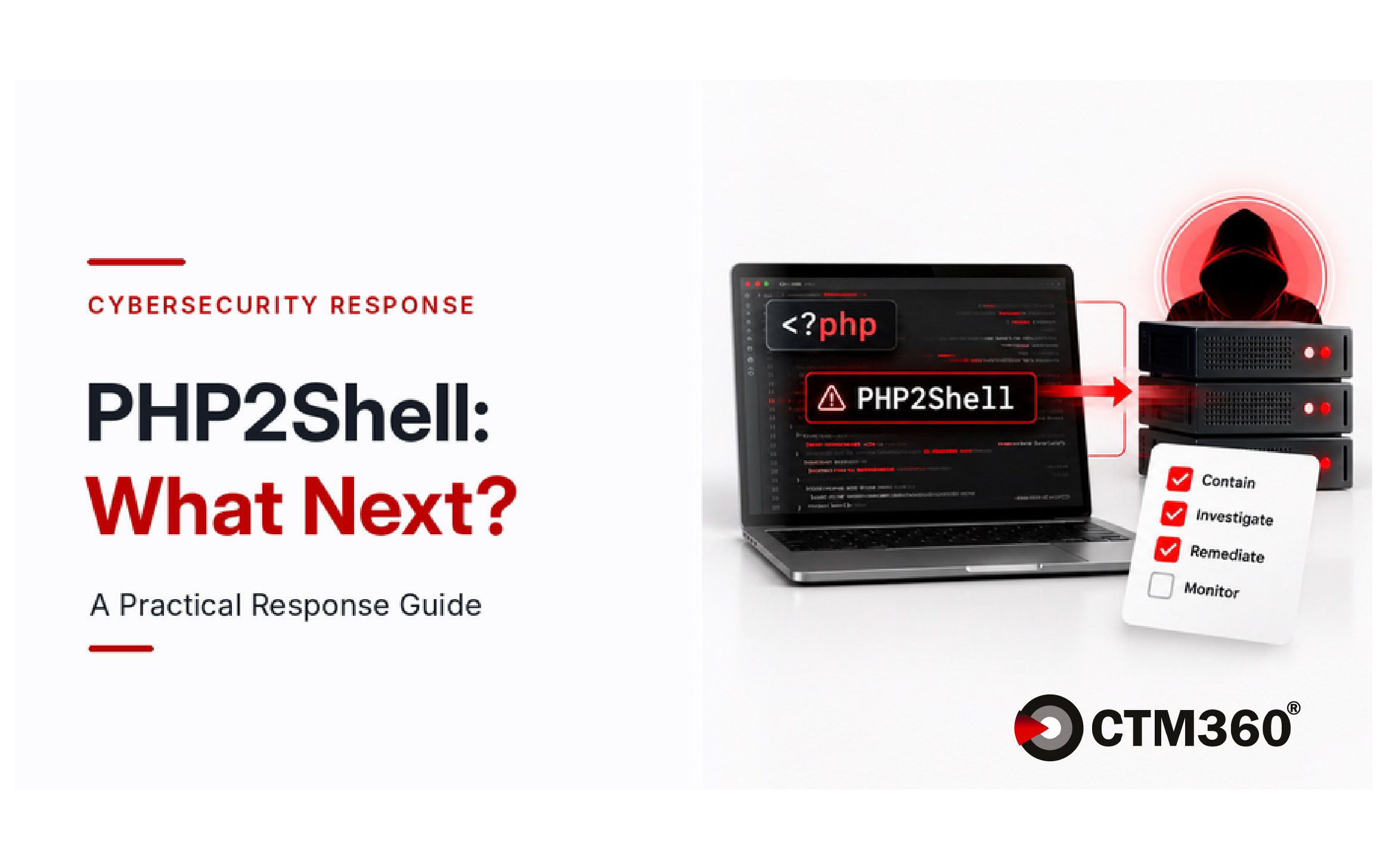
PHP2Shell: What Next? A Practical Response Guide

What’s on this page
PHP2Shell is the name commonly used for two critical PHP vulnerabilities, CVE-2026-109618 and CVE-2026-109619. Both carry a CVSS v4.0 score of 9.2 and can allow unauthenticated remote code execution.
Exploitation attempts were observed before the fixes were released. Our earlier article explored why external asset visibility matters. This guide sets out the response priorities for the first 24 hours.
What happened, and what remains unknown
- 17 October: Amazon Threat Intelligence retrospectively identified a PHP2Shell exploitation attempt against its MadPot honeypots.
- 20 October: Vulnerability details leaked, and the PHP team announced an emergency security release.
- 21 October: Fixes were released in PHP 8.2.35, 8.3.36, 8.4.27, and 8.5.12. Cloudflare also enabled default protections for customers using its WAF.
Amazon Threat Intelligence subsequently described PHP2Shell as being broadly exploited in the wild.
Public reporting does not establish how many organizations were successfully compromised or whether a single actor was responsible. Treat PHP2Shell as a high-priority patching and threat-hunting exercise, not as evidence that every exposed system has been breached.
Hour 0-4: Contain, find, and begin patching
Start containment and patching in parallel.
- Confirm that relevant WAF and IPS protections are enabled and alerting.
- Restrict public access to PHP-based management interfaces where possible.
- Preserve web, PHP, WAF, endpoint, process, network, and file telemetry.
- Inventory PHP across web servers, containers, control panels, appliances, hosted services, and third-party products.
- Identify the PHP version and server interface in use, such as PHP-FPM, Apache
mod_php,php-cgi, FrankenPHP, or LiteSpeed. - Prioritize internet-facing systems and applications that accept request bodies or file uploads.
Match each system to the appropriate update path:
- Update supported branches to PHP 8.2.35, 8.3.36, 8.4.27, or 8.5.12.
- For PHP 7.4, 8.0, and 8.1, use a patched distribution or vendor package where available. The PHP project has also published minimal source backports, but these are not new official releases.
- PHP 7.3 and older have no upstream fix and should be isolated and migrated to a supported branch.
- For control panels, appliances, and third-party products, follow the relevant vendor’s guidance rather than updating the embedded runtime independently.
After updating, restart all PHP workers, including PHP-FPM or Apache workers. Confirm that the running processes are using the fixed build. A package update alone may leave the previous runtime serving requests.
Hour 4-12: Validate patches and hunt from 17 October
Confirm that each identified system has been updated, restarted, and externally validated. Do not rely only on the version shown in an internal package inventory.
Review activity from at least 17 October across web, PHP, WAF, endpoint, process, network, and file logs.
Look for:
- Abnormal
multipart/form-dataPOST requests - Unusual field counts or excessive multipart headers
- Fields containing
PHP_SESSION_UPLOAD_PROGRESS - Unusual or malformed
PHPSESSIDvalues in request or response logs, particularly around suspicious multipart requests - Repeated memory-exhaustion errors, especially
Allowed memory sizeerrors reported asUnknown on line 0 - Web server or PHP processes launching shells, interpreters, or download tools such as
curl,wget, Python, or Perl - Unexpected executable or PHP files created by a web server process
- Unusual outbound connections from PHP or web server workers
- Unexpected worker crashes or repeated worker restarts
The presence of one signal does not prove successful exploitation. Correlate request activity with process execution, file creation, network connections, and other host telemetry.
Exploitation may not always crash a worker or return an HTTP 500 response. Clean error logs do not rule out exploitation, and some attack paths can run before application code begins.
Hour 12-24: Investigate and close remaining exposure
Continue patching systems that depend on vendor or hosting-provider updates. Keep temporary edge protections in place while this work continues.
For any system showing suspicious activity:
- Remove it from public traffic or isolate it.
- Preserve relevant logs and artifacts before restarting, rebuilding, or cleaning the system.
- Review unexpected process execution, file changes, outbound connections, and persistence mechanisms.
- Identify credentials and secrets accessible to the PHP worker and rotate them where compromise is suspected.
- Rebuild from a trusted image when successful code execution cannot be ruled out.
- Hunt for related activity across other PHP systems.
Follow the temporary controls in the official PHP security advisory when immediate patching is not possible. These include guidance for memory_limit, post_max_size, max_input_nesting_level, multipart requests, and session upload progress.
Setting expose_php=Off only hides version information. It does not remediate either vulnerability.
On 23 October, PHP also recommended setting:
session.upload_progress.enabled=0
Keep this setting disabled until the next regular PHP bug-fix release and restart every worker after applying it. This is an additional precaution for a separate session upload progress issue. It does not replace installing the PHP2Shell fixes.
How CTM360 can help
HackerView, CTM360’s External Attack Surface Management platform, provides an outside-in view of internet-facing assets and the technologies they expose.
This can help identify PHP installations that internal records may have missed, including systems managed by vendors or other business units.
Contact CTM360 to review your organization’s external PHP exposure and identify assets that may require further validation or remediation.
FAQ
Is PHP2Shell exploitation confirmed?
Yes. Amazon Threat Intelligence reported exploitation attempts beginning on 17 October and subsequently described PHP2Shell as being broadly exploited in the wild. Public reporting does not establish the total number of successful compromises.
Can WAF rules or configuration changes replace patching?
No. WAF protections and configuration changes may reduce exposure to known attack paths, but updating PHP is the only complete remediation.
Which PHP releases contain the fixes?
The official fixed releases are PHP 8.2.35, 8.3.36, 8.4.27, and 8.5.12. Distribution and long-term support packages may use different version identifiers when fixes are backported.
We run PHP 7.3 or older. What should we do?
PHP 7.3 and older have no upstream fix for PHP2Shell. Isolate affected systems from public access and migrate them to a supported PHP branch.
Do PHP workers need to be restarted after updating?
Yes. Restart PHP-FPM, Apache, and any other persistent PHP workers, then confirm that the active processes are using the updated build.
How can CTM360 help?
HackerView provides an outside-in view of internet-facing assets and the technologies they expose. This can help identify PHP installations that internal records may have missed. Contact CTM360 to review your organization’s external PHP exposure.